I brought my laptop with me on a two hour car trip, with the intent of setting up a hotspot and catching up on some work. When we drove out of verizon’s reach, that became impossible. so Gravo happened instead.
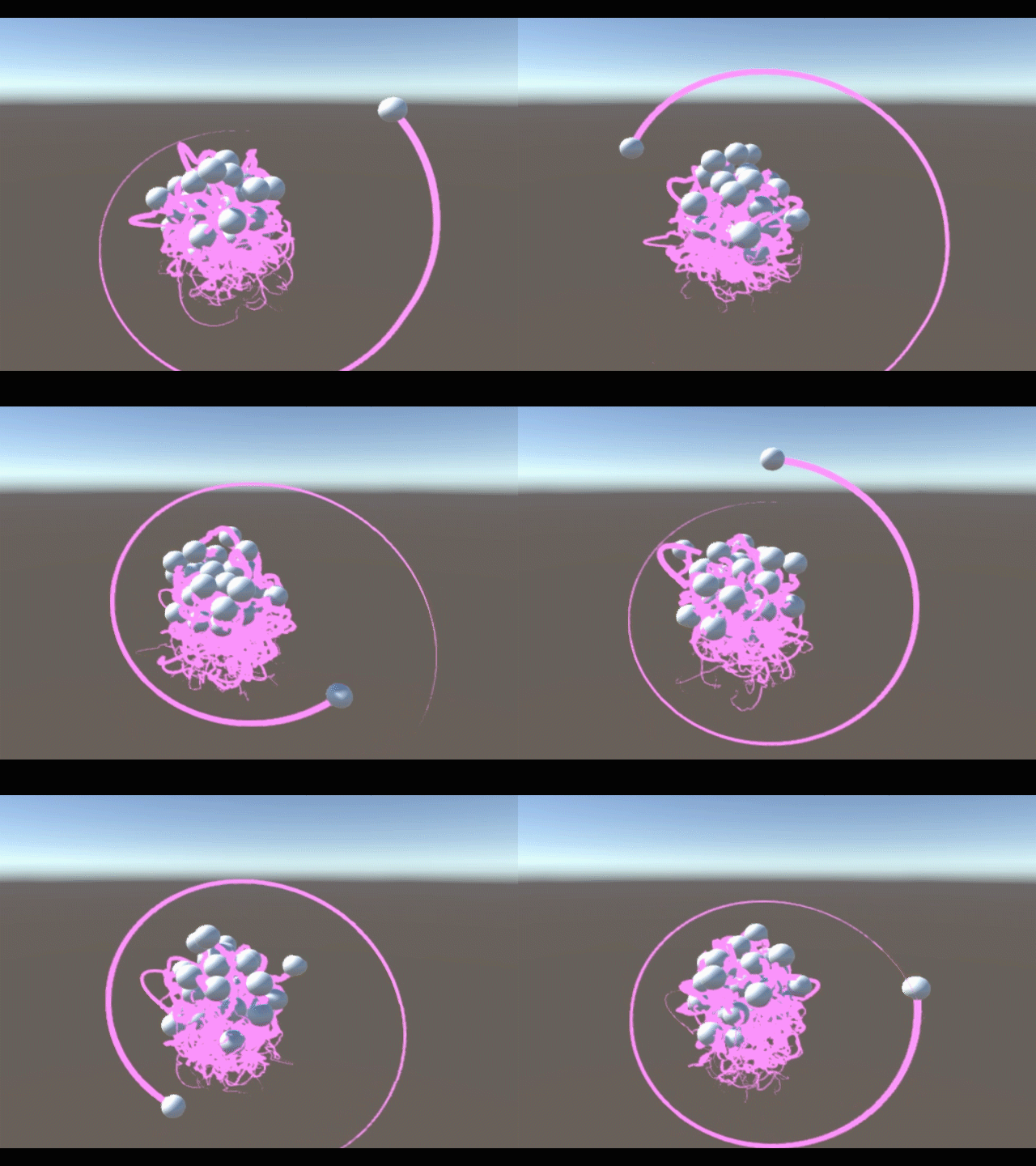
Gravo is a particle simulation in Unity3D. It’s name is a play on the word gravity and the word o. The entire Gravo world consists of a template sphere with one script. This script gives the sphere a random position and velocity, and then registers itself with the SphereManager, a script attached to a nearby cube. When I click, a script on the camera instantiates this sphere.
The SphereManager is responsible for all forces acting on the spheres. it loops through each of them and applies a force towards each of the others. it will reuse these calculations to apply an opposite force on the others, so that they have fewer calculations to do when it’s their turn. Each sphere in the array will only act on spheres of a higher index.
On the trip back, I wanted to model the atom, so I implemented particles of positive and negative charges. At first, they modeled molecules better:
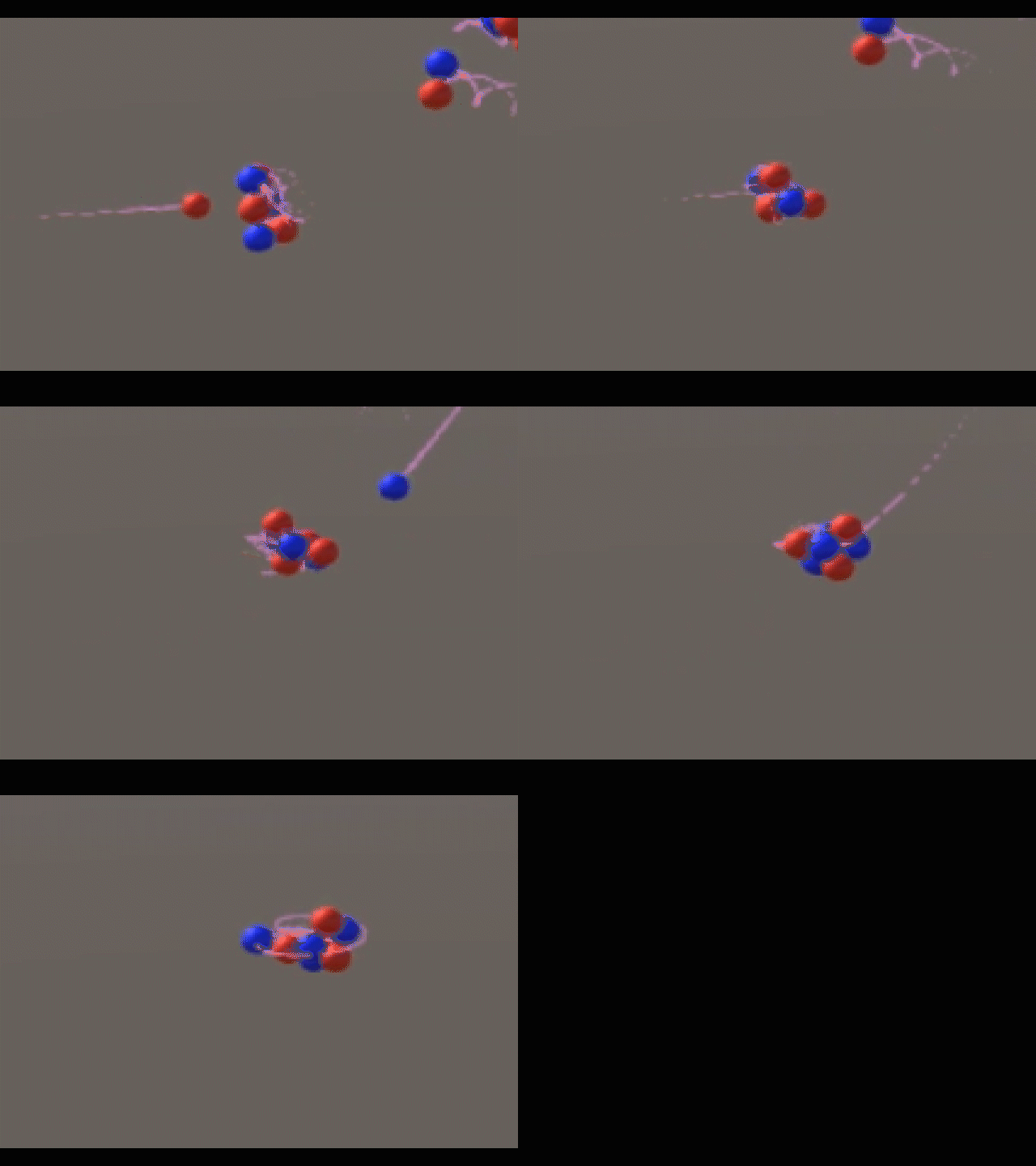
But I wanted to model the atom. So I added neutrally charged particles and colored them yellow. I wasn’t sure how the nucleus of an atom was held together, so I just added a powerful attractive force between the protons and the neutrons until I could do some real research.
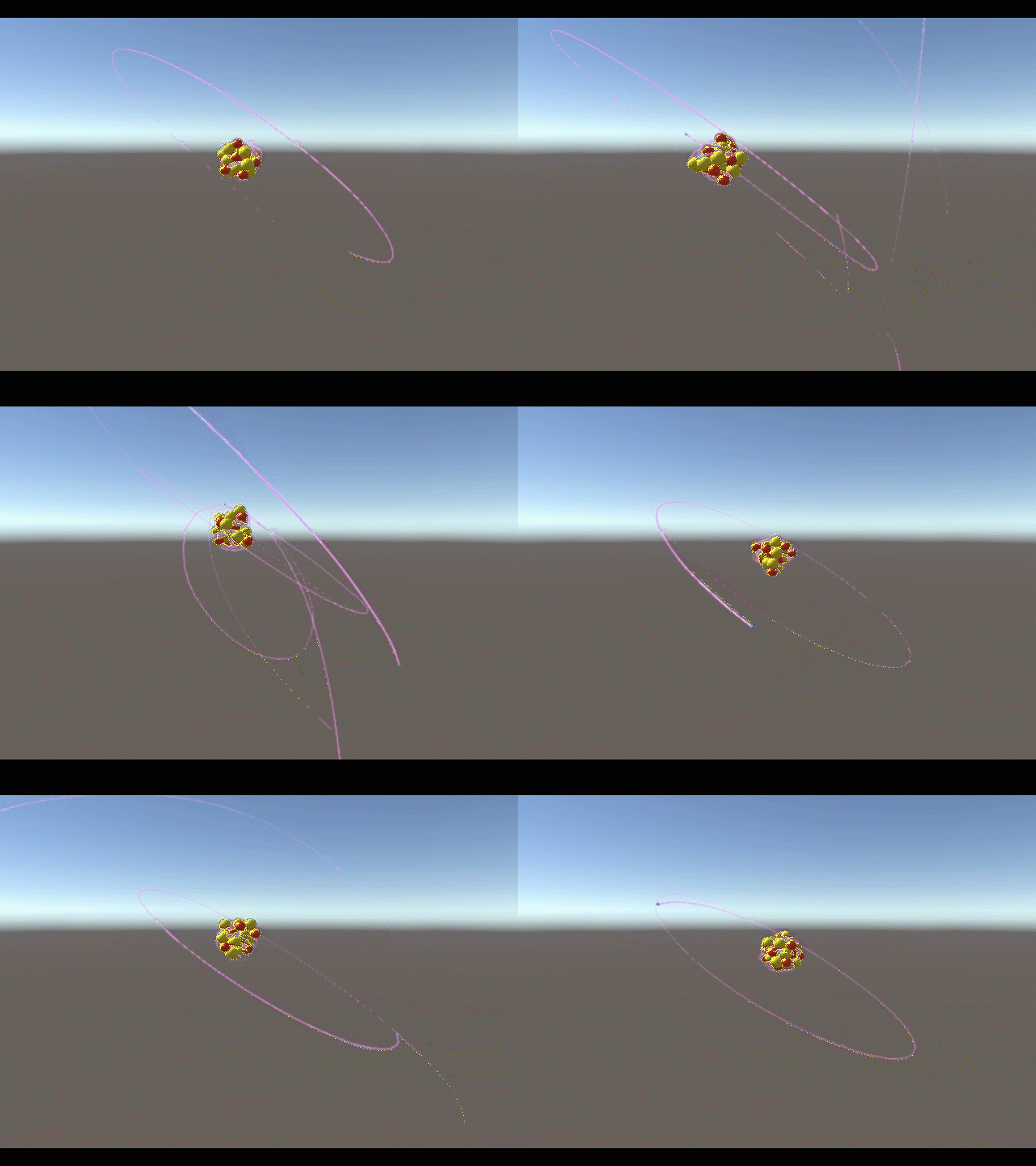
Here are some electrons orbiting a positive nucleus:
As soon as I added a third type of particle, I realized it was inefficient to keep asking the SphereBrain scripts what the charge of the particle was every single frame. I also didn’t want a parallel array. So my SphereManager, as it stands now, inserts a particle into the array based on its charge, and later uses its index to get the charge without asking the particle’s script.
using UnityEngine;
using System.Collections;

public class SphereManagerScript : MonoBehaviour {

    public ArrayList spheres = new ArrayList();
    public int protonCount;
    public int electronCount;
    public int neutronCount;

    // Use this for initialization
    void Start () {

    }

    // Update is called once per frame
    void Update () {
        GameObject a;
        GameObject b; //the two objects to interact
        int aCharge;
        int bCharge; //their charges
        float dist; //the distance between them
        Vector3 dir; //the direction from the second to the first
        Vector3 force; //the force that will act on them both
        for (int i = 0; i + 1 < spheres.Count; i++) {
            a = ((GameObject) spheres[i]); //select a
            aCharge = (i  protonCount + electronCount)? -1 : 0); //determine a's charge based on its index
            for (int j = 1; i + j < spheres.Count; j++) {
                b = ((GameObject) spheres[i+j]); //select b
                bCharge = (i+j  protonCount + electronCount)? -1 : 0); //determine b's charge based on its index
                dist = Vector3.Distance(a.transform.position, b.transform.position);
                dir = (a.transform.position - b.transform.position).normalized;
                force = ((-128f * aCharge * bCharge) + ((aCharge+bCharge==1)? 128f : 0.0f)) * dir / (-dist * dist); //calculate final force
                a.GetComponent().AddForce(force);
                b.GetComponent().AddForce(-force);
            }
            this.gameObject.transform.position = Vector3.Lerp(this.gameObject.transform.position, a.transform.position, 0.1f); //move this invisible cube (which also carries the camera) nearer to the current sphere, to smoothly follow the group
        }
        for (int i = 0; i  36) { recall(a); }
        }
    }

    public void register(GameObject toRegister) { //method to register a sphere for physics calculations. the spheres call this method when they are created.
        int charge = toRegister.GetComponent().charge; //you only need to check this once, the position in the array will be used to determine the charge from now on.
        if (charge == 1) {
            spheres.Insert(0, toRegister); //put it at the start of the proton section (index 0)
            protonCount++;
        } else if (charge == -1) {
            spheres.Insert(protonCount, toRegister); //put it at the start of the electron section
            electronCount++;
        } else if (charge == 0) {
            spheres.Insert(protonCount+electronCount, toRegister); //put it at the start of the neutron section
            neutronCount++;
        }
    }

    public void recall (GameObject toRecall) { //method for handling particles that get too far away (it kills them)
        int charge = toRecall.GetComponent().charge;
        if (charge == -1) { electronCount--; } else if (charge == 1) { protonCount--; } else if (charge == 0) { neutronCount--; }
        spheres.Remove(toRecall); Destroy(toRecall); //unregister and destroy
    }
}
using UnityEngine;
using System.Collections;

public class SphereBrain : MonoBehaviour {

    public int charge = 0;
    //string type;
    // Use this for initialization
    void Start () {
        GameObject sphereMgr = GameObject.FindGameObjectWithTag("SphereManagerTag");
        this.gameObject.transform.position = sphereMgr.transform.position + new Vector3((Random.value) * 15.0f, (Random.value-0.5f) * 15f, (Random.value-0.5f) * 15.0f);
        this.gameObject.GetComponent().velocity = (new Vector3((Random.value-0.5f) * 1f, (Random.value-0.5f) * 1f, (Random.value-0.5f) * 1f));

        recolor();
        sphereMgr.GetComponent().register(this.gameObject);
    }

    void recolor () { //handles the changing of all properties, not just color.
        this.gameObject.GetComponent().material.SetColor("_Color", (charge > 0)? Color.red : ((charge < 0)? Color.blue : Color.yellow));
        if (charge == 0) {
            this.gameObject.GetComponent().mass = 1.05f;
            this.gameObject.GetComponent().localScale = 1.2f * Vector3.one;
        } else if (charge == -1) {
            this.gameObject.GetComponent().mass = 0.05f;
            this.gameObject.GetComponent().localScale = 0.2f * Vector3.one;
            this.gameObject.transform.position = new Vector3(this.gameObject.transform.position.x -15, 0, this.gameObject.transform.position.z);
            //this.gameObject.GetComponent().AddForce(Vector3.up * 50); //specifically for helpng build atoms
        }
    }

    // Update is called once per frame
    void Update () {}
}
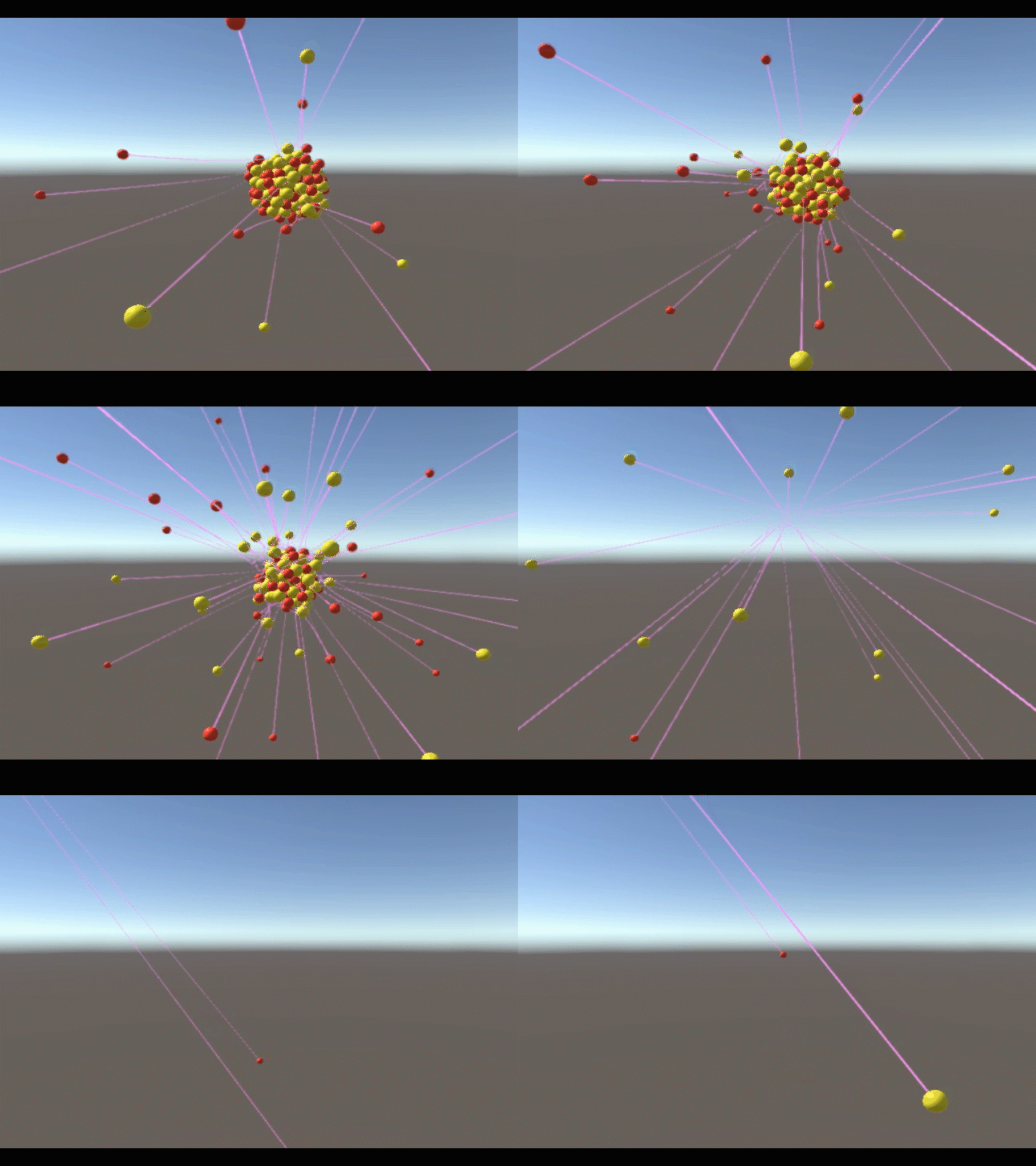
This code still has a problem I haven’t worked out yet. I’m not unregistering spheres properly, and I think the neutrons are becoming protons when they shift left in the array:
I’m looking forward to refining it.
 John Dorsey